
SIGNALHUB
Tutorial
Five steps from sign-up to your first trade. All screenshots are from the mobile app; the numbers on each image match the notes below it.
1Sign up / log in
Tap “Connect wallet” in the top-right corner to open the login window. New users are signed up automatically.
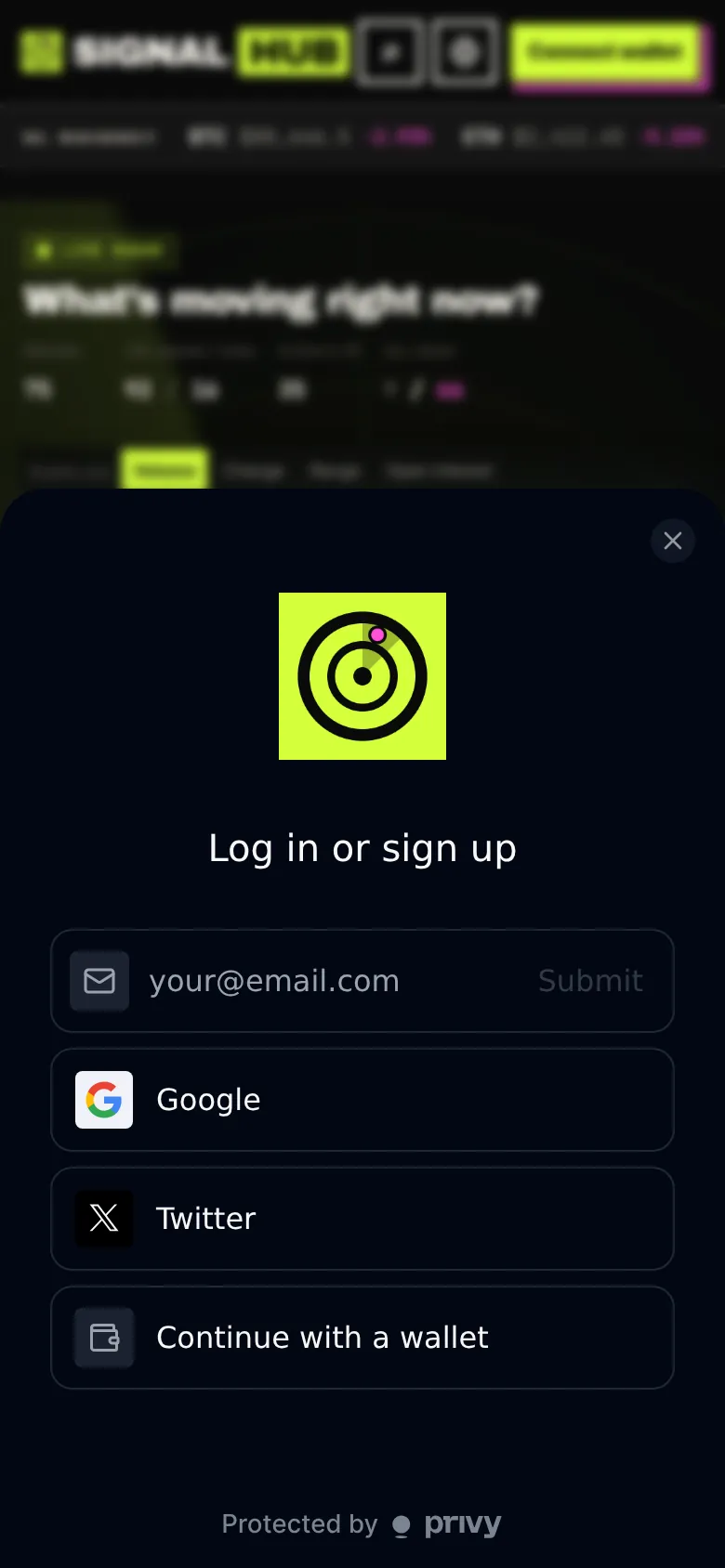
Wallets created with email or social login can export their private key from the account menu. Your funds always stay in your own wallet.
2Deposit
Tap “Deposit” at the bottom. Every account gets its own deposit address; USDC sent there is bridged to your Hyperliquid account automatically.
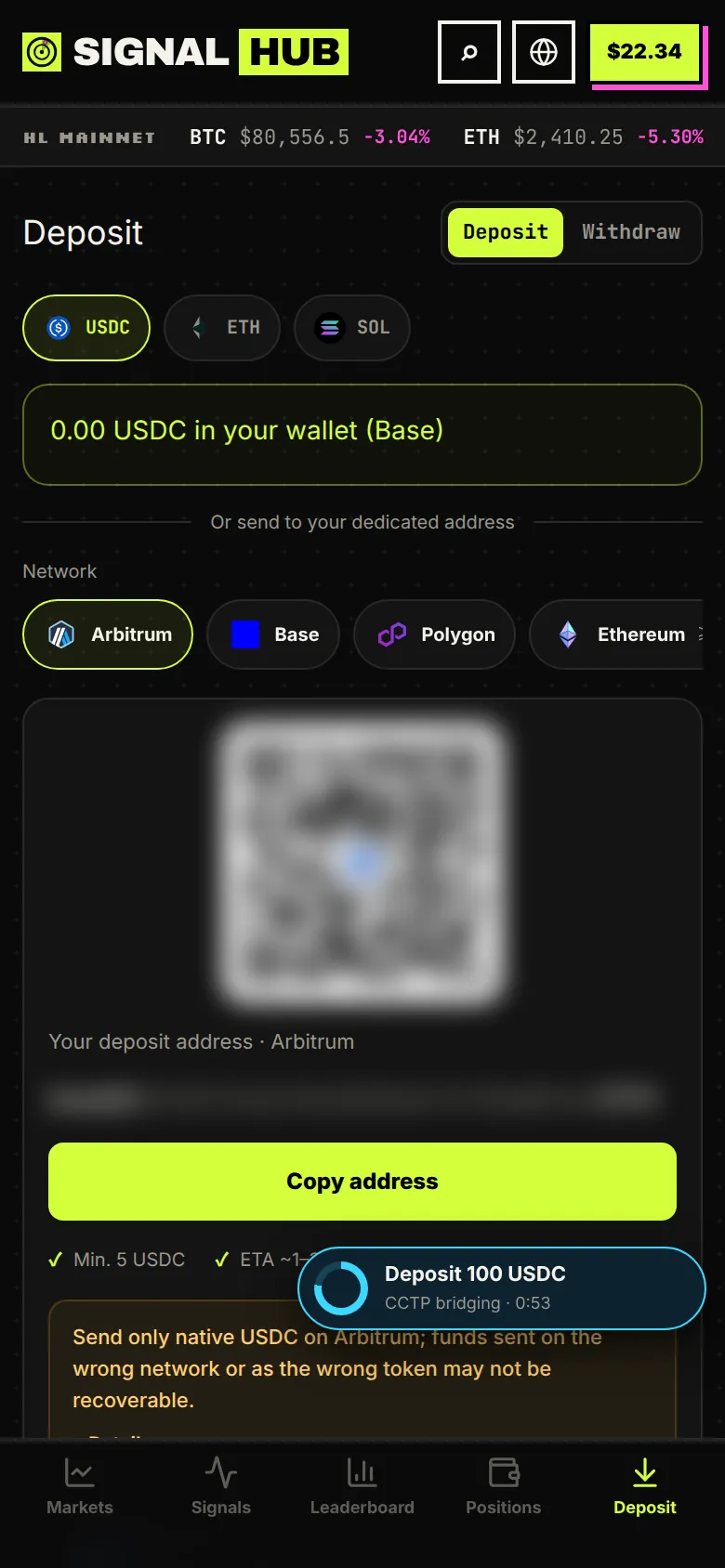
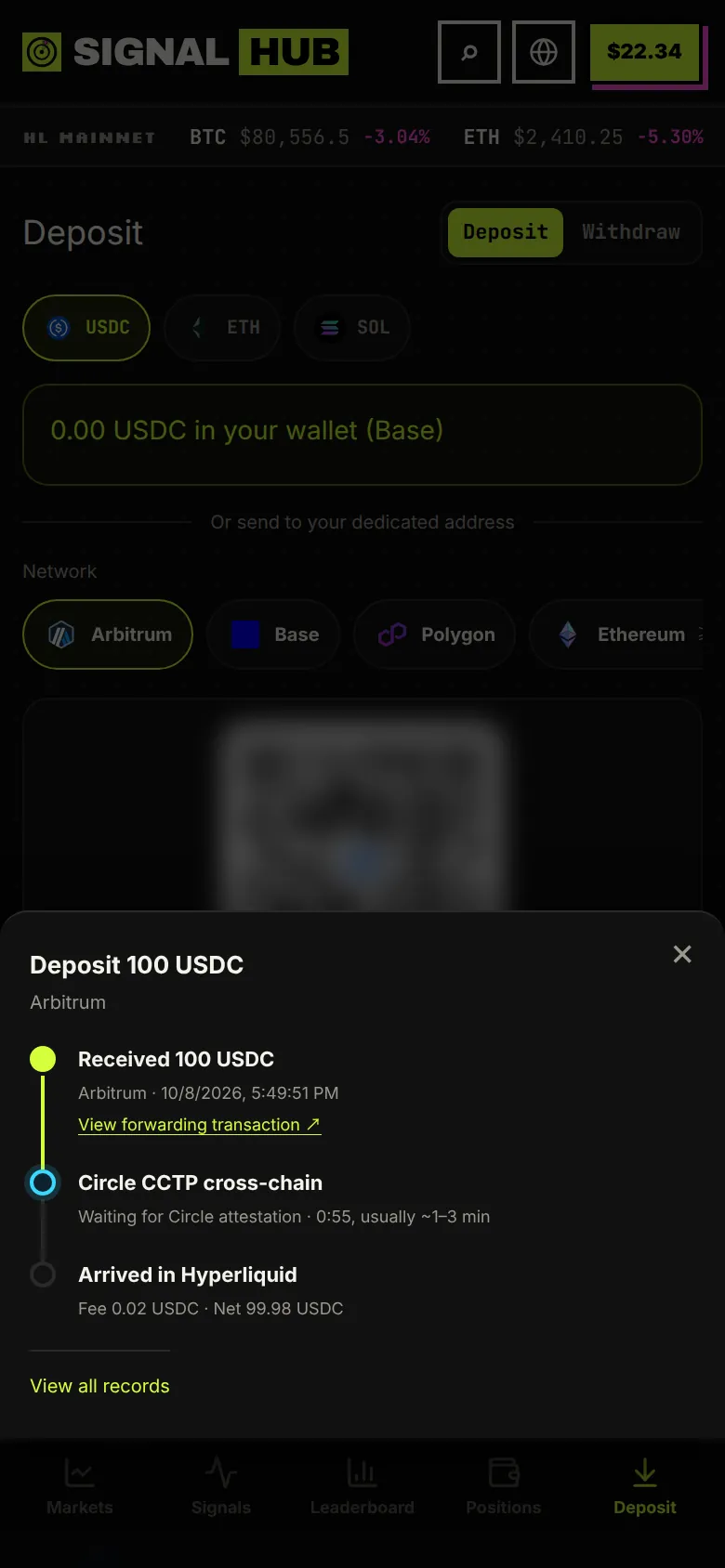
You can close this window. The progress ring stays in the bottom-right corner until the funds arrive.
3Browse markets
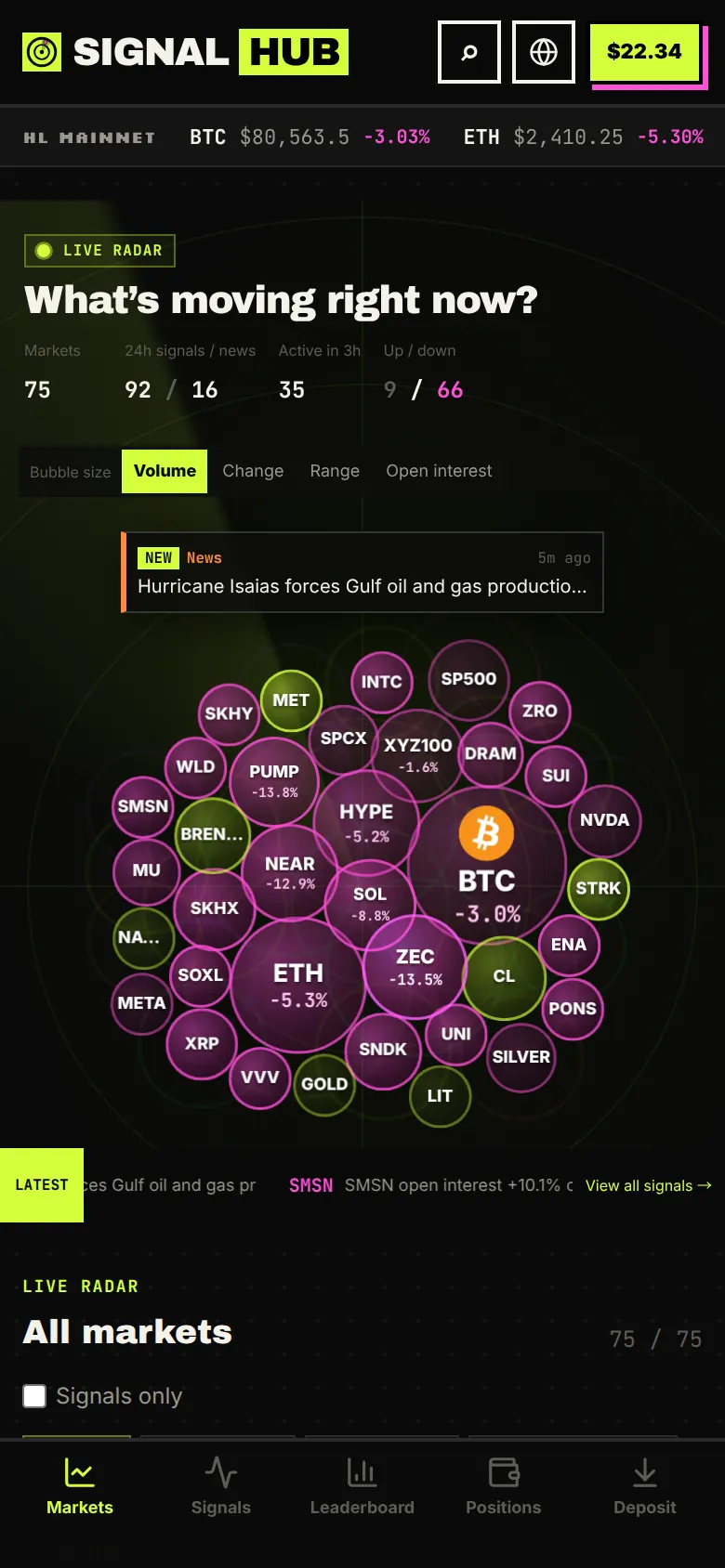
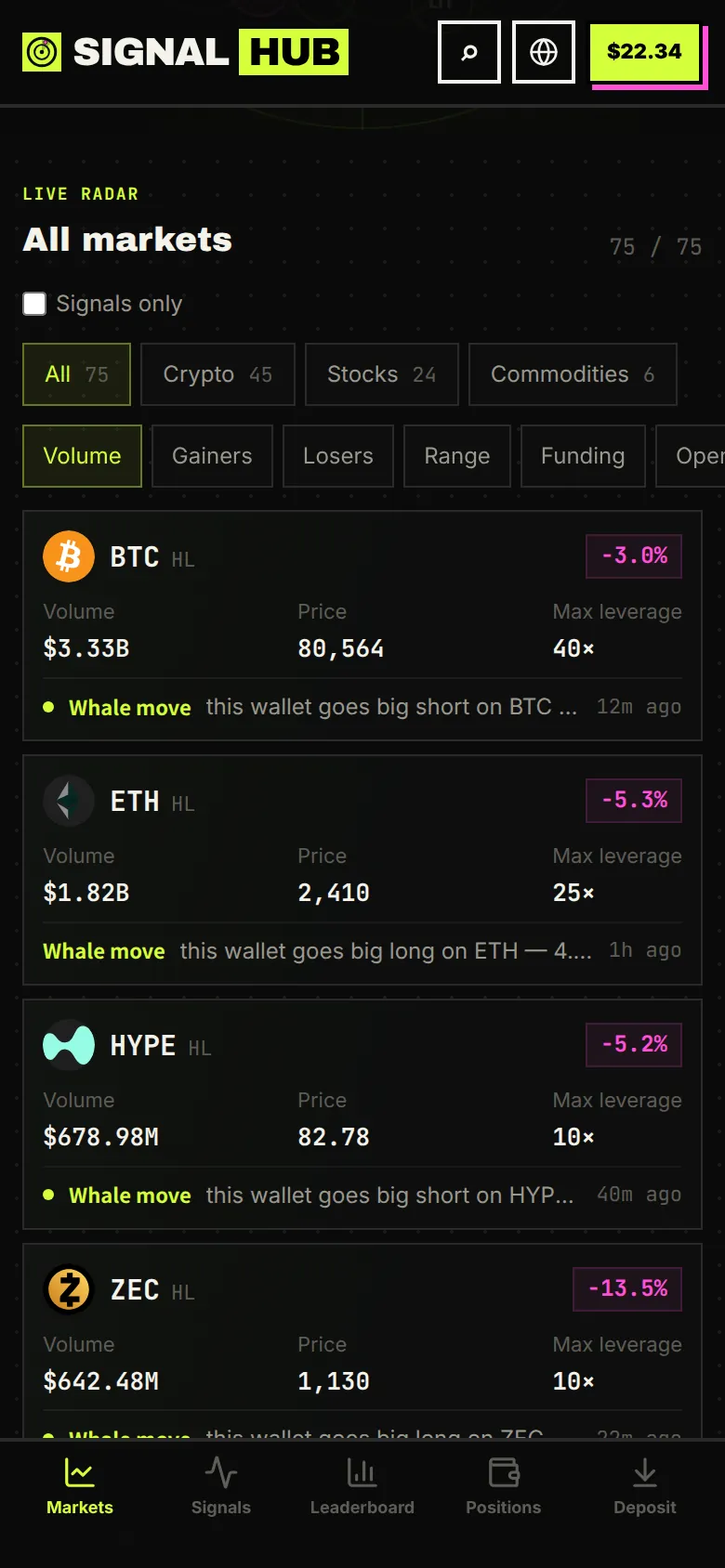
The home page shows the market: the signal radar on top and the full market list below. Tap any coin to open its chart.
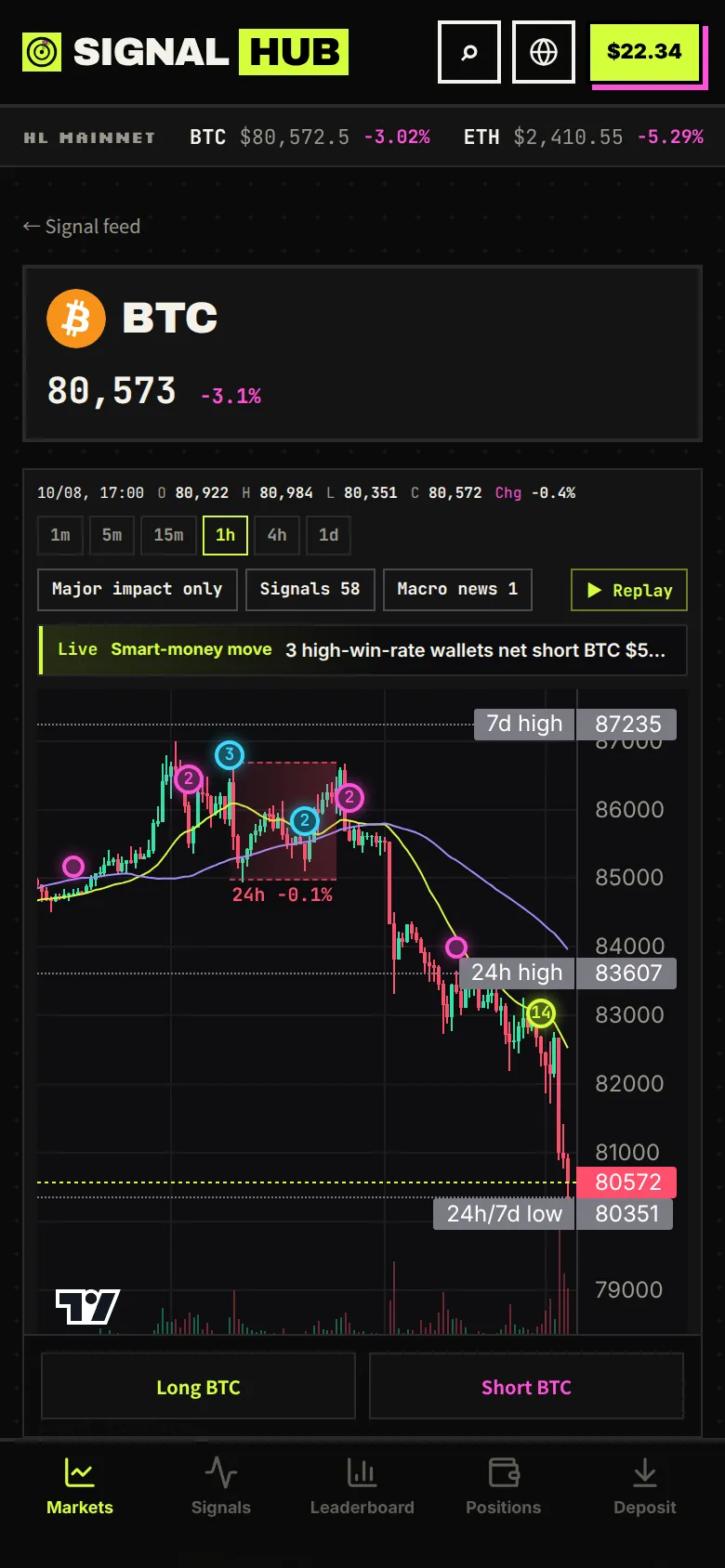
Below the chart is an event timeline; tap an entry and the chart jumps to that candle.
4Browse signals
Tap “Signals” at the bottom to open the signal page. Hyperliquid on-chain data is scanned about once a minute, and macro news is added as it breaks.
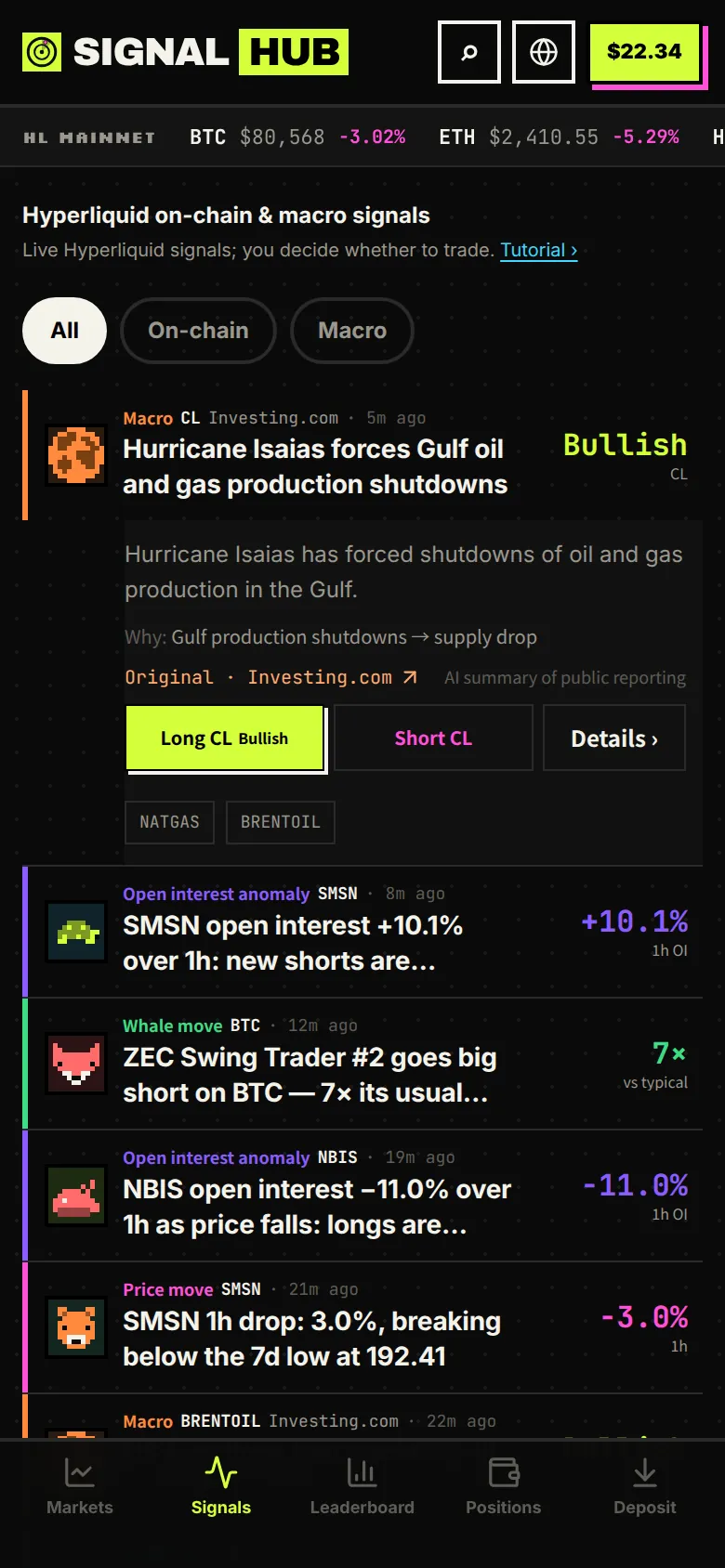
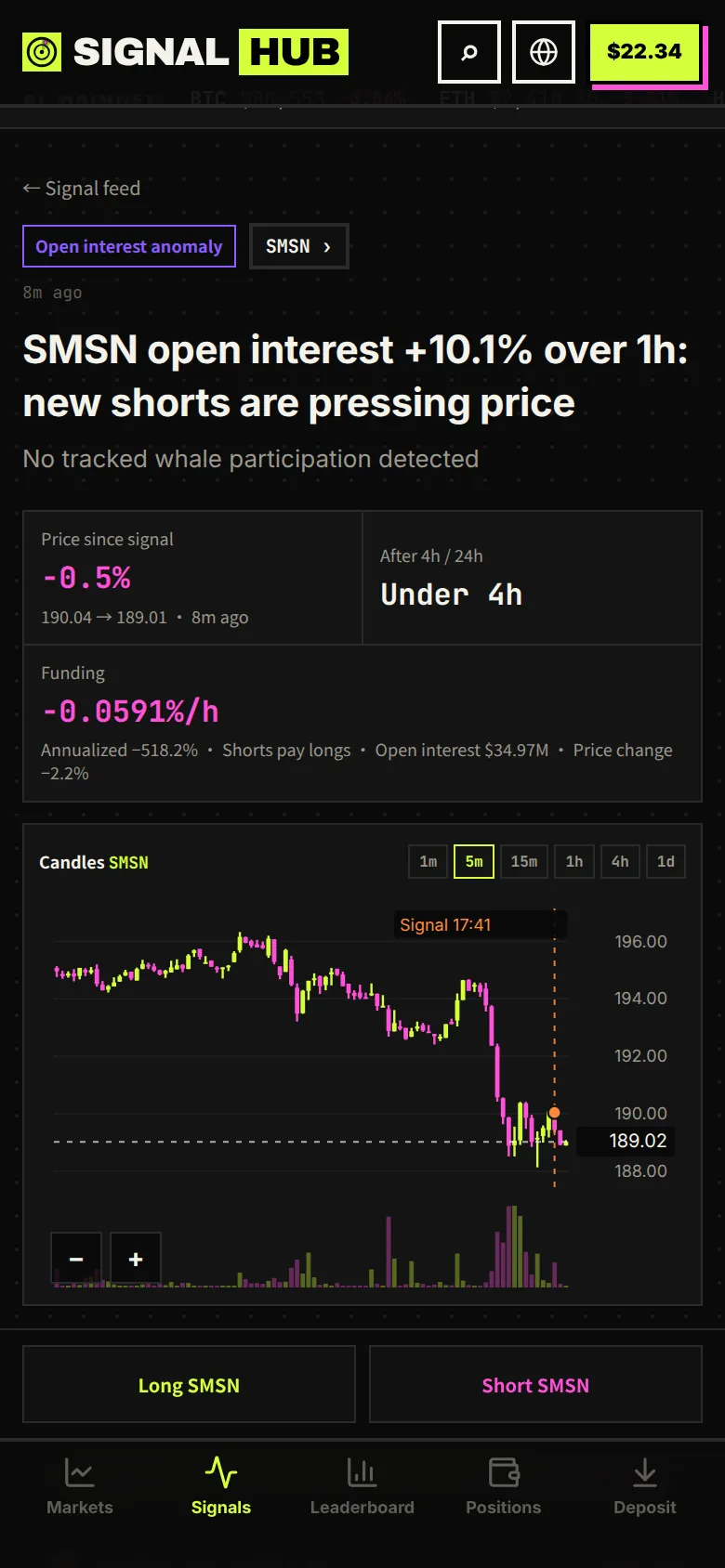
Past results for every signal type are public on the signal scorecard. Signals are information only; whether to trade is your call.
5Place an order
Tap Long or Short to open the order panel.
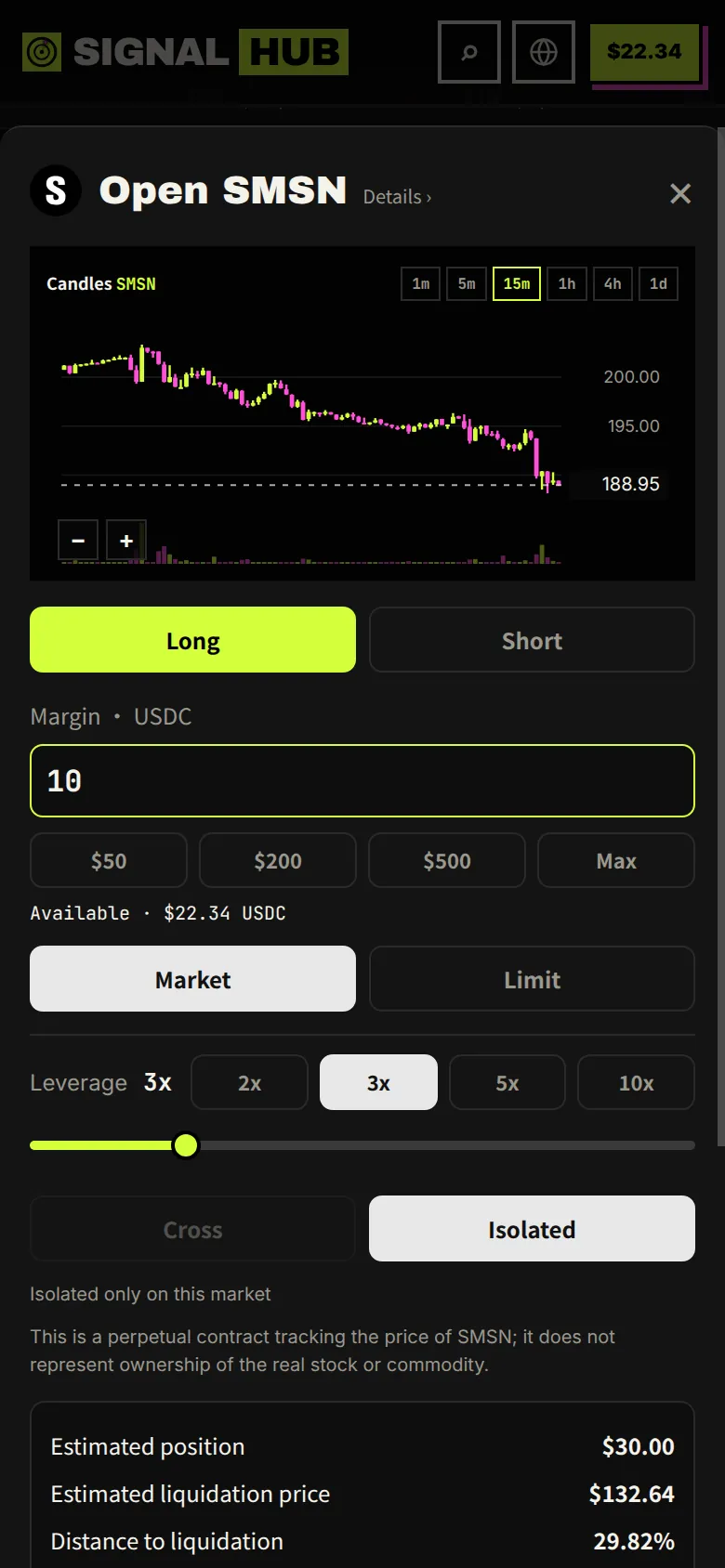
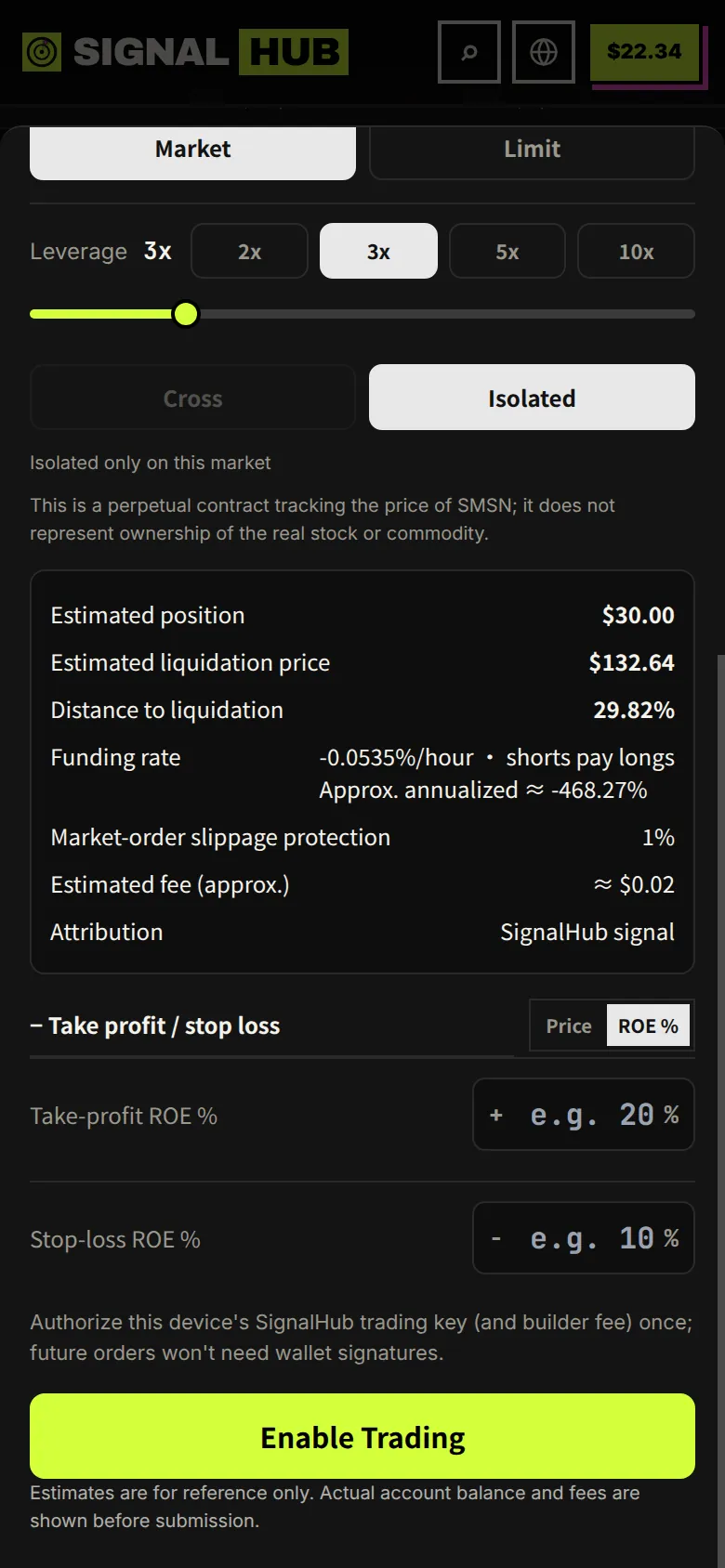
After the order fills, open “Positions” at the bottom to see P&L, change TP/SL or close.
A quick example
$10 margin at 3x leverage is a $30 position. If price rises 10%, you make about $3, or 30% of your margin; if it falls 10%, you lose about $3. In isolated mode, the most you can lose at the liquidation price is the $10.
Balances and deposit amounts in the screenshots are demo data; the deposit address and QR code are blurred.